
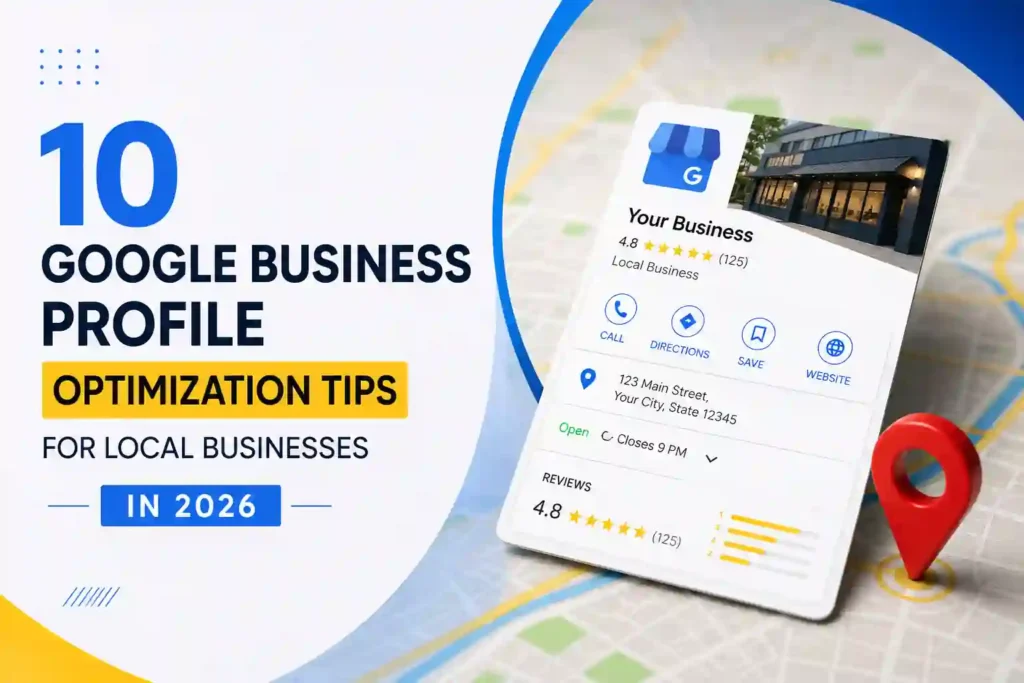
10 Google Business Profile Optimization Tips for Local Businesses in 2026
For local businesses, being visible when nearby customers search on Google can make a huge difference. Whether you run a restaurant, cleaning company, digital agency, plumbing business, salon, retail store, or professional service, potential customers are already using Google to find businesses like yours.
One of the most important tools for local search visibility is your Google Business Profile (GBP).
A properly optimized Google Business Profile can help customers discover your business, learn about your services, see photos and reviews, find your location, visit your website, and contact you directly.
However, simply creating a profile is not enough. To get the most value from your profile, you need to keep your information accurate, complete, relevant, and useful to potential customers.
Here are 10 Google Business Profile optimization tips every local business should follow in 2026.
1. Complete Every Important Section of Your Profile
The first step toward optimizing your Google Business Profile is making sure your information is complete and accurate.
Businesses should provide as much relevant information as Google allows, including:
-
Business name
-
Primary category
-
Secondary categories where appropriate
-
Business address or service area
-
Phone number
-
Website
-
Business hours
-
Services
-
Products, where applicable
-
Business description
-
Photos
An incomplete profile can make it harder for potential customers to understand what your business offers.
Think of your Google Business Profile as your online storefront. The more useful information customers can find, the easier it becomes for them to decide whether your business is right for them.
2. Choose the Right Primary Business Category
Your primary category is one of the most important parts of your Google Business Profile.
It helps Google understand what your business does and which types of searches your profile may be relevant to.
For example, a business might operate as a:
-
Digital marketing agency
-
Restaurant
-
Plumber
-
Cleaning service
-
Real estate agency
-
Web design company
-
Hair salon
Choose the category that most accurately represents your primary business activity.
You may also be able to select additional categories when they genuinely represent services your business provides.
Avoid choosing unrelated categories simply because you think they may generate more visibility. Accuracy is more important than trying to target every possible search.
3. Write a Clear and Useful Business Description
Your business description gives potential customers an opportunity to understand who you are and what you offer.
Instead of writing a vague description, explain your business clearly.
A good description can mention:
-
What your business does
-
Your main services
-
The customers you serve
-
Your service area
-
What makes your business different
For example, instead of saying:
“Welcome to our company. We provide quality services.”
you could write something more informative:
“We provide professional website development and digital marketing services for small and growing businesses, helping companies build a stronger online presence and attract more customers.”
Keep the information natural and customer-focused.
Avoid keyword stuffing or repeatedly adding the same search terms. Your description should be written for people first.
4. Keep Your Business Information Consistent
Consistency is extremely important for local SEO.
Your business name, address, phone number, website, and other important information should be accurate and consistent across your online presence.
Check your information on:
-
Google Business Profile
-
Your website
-
Social media profiles
-
Local directories
-
Business listings
For example, if your business phone number has changed, update it across your major online profiles.
Incorrect information can confuse customers and may negatively affect their experience.
Regularly reviewing your profile can help ensure customers always receive accurate information.
5. Add High-Quality Business Photos
Photos can make your Google Business Profile much more attractive to potential customers.
Depending on your business, you can add photos such as:
-
Business exterior
-
Interior
-
Team members
-
Products
-
Services
-
Equipment
-
Completed projects
-
Work environment
-
Branding
For restaurants, food photos can be particularly useful.
For service businesses, photos of completed projects can demonstrate the quality of your work.
Make sure your photos accurately represent your business and are clear enough for customers to understand what they are seeing.
You should also continue adding relevant new photos instead of treating your profile as something you set up once and never update.
6. Get Genuine Customer Reviews
Reviews are one of the most valuable forms of social proof for local businesses.
When customers search for a business, reviews can influence whether they decide to contact or visit it.
Encourage satisfied customers to leave honest reviews about their experience.
You can make the process easier by providing customers with a direct way to find your review page.
Most importantly, do not buy fake reviews or create misleading reviews. Genuine feedback is much more valuable for building long-term trust.
When customers leave reviews, take the time to respond.
Thank customers for positive feedback and respond professionally to negative feedback.
A thoughtful response can demonstrate that your business values customer experience.
7. Keep Your Business Hours Updated
Imagine a customer finds your business on Google and visits your location, only to discover that your listed opening hours are incorrect.
That creates a poor customer experience.
Make sure your regular business hours are accurate and update special hours when necessary.
Pay particular attention to:
-
Public holidays
-
Seasonal schedules
-
Temporary closures
-
Special events
-
Changes in operating hours
Accurate hours help customers know when they can contact or visit your business.
8. Add Your Services
If your business provides multiple services, make sure your profile clearly communicates them.
For example, a digital marketing company might offer:
-
Website development
-
SEO
-
Google Ads management
-
Social media marketing
-
Google Business Profile optimization
-
Analytics setup
A cleaning company might offer:
-
Deep cleaning
-
Office cleaning
-
Move-in cleaning
-
Move-out cleaning
-
Commercial cleaning
Adding relevant services can help potential customers understand what your business provides.
It also makes your profile more useful when someone is comparing several local businesses.
9. Use Google Business Profile Posts and Updates
Google Business Profile provides businesses with opportunities to share updates and useful information.
Depending on the available features for your profile, you can use posts to highlight:
-
Special offers
-
New services
-
Company updates
-
Events
-
Products
-
Announcements
-
Helpful content
For example, a local restaurant could promote a new menu item, while a digital agency could share a new service or useful marketing article.
Regular updates can make your profile look more active and provide customers with fresh information.
The important thing is to prioritize useful, relevant updates instead of posting content simply for the sake of posting.
10. Connect Your Google Business Profile With Your Website
Your Google Business Profile and website should work together.
Your GBP provides potential customers with important information directly in Google, while your website can provide more detailed information.
For example:
Google Search → Google Business Profile → Website → Contact/Booking
Your website should include detailed service pages, contact information, business details, and useful content.
Make sure the website linked from your profile is active, professional, mobile-friendly, and relevant to the business represented on your profile.
This creates a consistent experience for customers who discover your business through Google.
Bonus Tip: Monitor Your Profile Performance
Optimization is not a one-time task.
You should regularly monitor your Google Business Profile and pay attention to how customers interact with it.
Depending on the available reporting features, you may be able to understand information related to customer actions and discovery.
Look for trends such as:
-
How customers discover your business
-
Website visits
-
Phone calls
-
Direction requests
-
Customer interactions
-
Search visibility
This information can help you understand what is working and where improvements may be needed.
Common Google Business Profile Mistakes to Avoid
While optimizing your profile, avoid common mistakes that can create problems.
Keyword Stuffing
Do not add unnecessary keywords to your business name or description simply to manipulate rankings.
Fake Reviews
Never purchase fake reviews or create reviews for your own business.
Incorrect Business Information
Keep your phone number, address, website, and hours accurate.
Duplicate Profiles
Avoid creating unnecessary duplicate profiles for the same business location.
Ignoring Customer Reviews
Reviews deserve attention. Respond to customers professionally and consistently.
Using Irrelevant Categories
Only select categories that accurately represent your business.
Why Google Business Profile Optimization Matters
Local customers often have strong purchase intent.
Someone searching for “web designer near me,” “restaurant near me,” or “cleaning company in [city]” is often looking for a solution they can use soon.
A well-optimized Google Business Profile can help your business make a stronger first impression during that search.
Your profile can show customers:
Who you are → What you offer → Where you are → What customers think → How to contact you
That information can help turn local searches into real-world customers.
Final Thoughts
Google Business Profile optimization is an important part of local digital marketing in 2026.
The most important steps include completing your profile, selecting accurate categories, providing useful business information, adding quality photos, collecting genuine reviews, keeping your hours updated, listing your services, sharing relevant updates, and connecting your profile with a professional website.
However, Google Business Profile should not be viewed as a standalone marketing strategy.
For stronger results, combine it with local SEO, a professional website, quality content, customer reviews, and consistent online business information.
At Techline Savvy, we help businesses improve their digital presence through professional website development, SEO, Google Business Profile optimization, Google Ads, and digital marketing services.
If your local business is not getting enough visibility online, optimizing your Google Business Profile can be an excellent place to start.
Your next local customer may already be searching for your service. Make sure your business is ready to be found.